



Fast document printing for offices and workgroups
Compare laser printers by mono or colour output, monthly workload, print speed, duplex, network connectivity, paper capacity and toner availability.
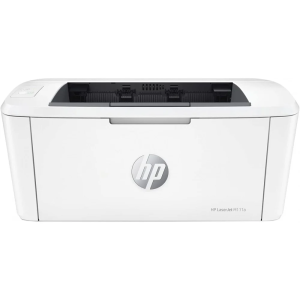
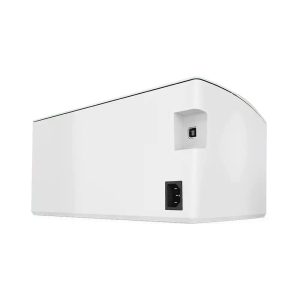
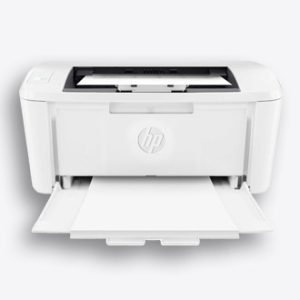
HP LaserJet M111a Printer
Original price was: 6,999.00 EGP.6,666.00 EGPCurrent price is: 6,666.00 EGP.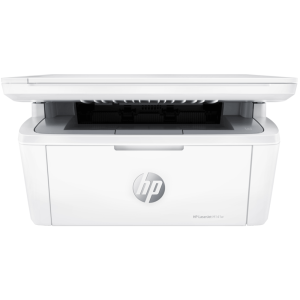

HP LaserJet MFP M141w Printer
Original price was: 9,599.00 EGP.8,888.00 EGPCurrent price is: 8,888.00 EGP.
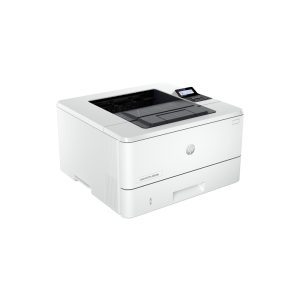
HP LaserJet Pro 4003DN
Original price was: 12,299.00 EGP.10,899.00 EGPCurrent price is: 10,899.00 EGP.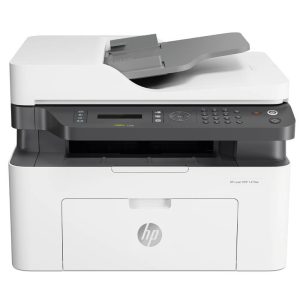
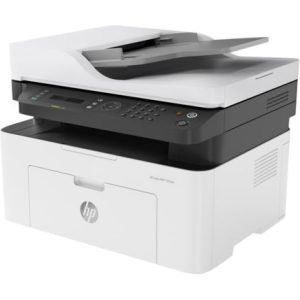
HP LaserJet MFP 137fnw
Original price was: 13,777.00 EGP.12,899.00 EGPCurrent price is: 12,899.00 EGP.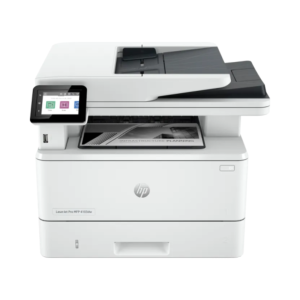

HP LaserJet Pro MFP 4103dw Printer
Original price was: 19,999.00 EGP.17,777.00 EGPCurrent price is: 17,777.00 EGP.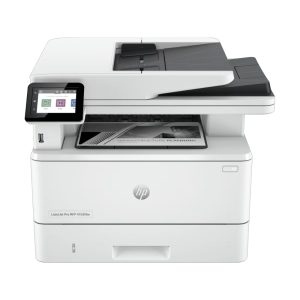

HP LaserJet Pro MFP 4103fdw Printer
Original price was: 22,258.94 EGP.19,799.00 EGPCurrent price is: 19,799.00 EGP.Choosing a laser printer
For document-heavy use, review recommended monthly volume and cost per page rather than purchase price alone. Workgroups may benefit from Ethernet, larger trays and automatic duplex.
Check whether the printer is single-function or multifunction and whether toner and imaging components are separate consumables.
Frequently asked questions
Is a laser printer good for home use?
It can be a strong choice for frequent text documents, especially when fast output and low maintenance are priorities. Before ordering, confirm the exact functions, connectivity, compatible consumables, paper handling and warranty listed for that model.
What is automatic duplex?
Automatic duplex allows supported models to print both sides without manually turning the paper. Before ordering, confirm the exact functions, connectivity, compatible consumables, paper handling and warranty listed for that model.
How should I estimate the real running cost of a printer?
Compare the price and published yield of the compatible ink, toner or bottles, but remember that yield is measured under test conditions. Your actual cost depends on page coverage, colour usage, print settings, cleaning cycles and how frequently the printer is used.
Which connectivity features should I check?
Confirm whether you need USB, Wi-Fi, Wi-Fi Direct, Ethernet or mobile printing. Features differ by exact model, and office users should also check network support, supported operating systems and whether multiple people need to share the printer.
Can the printer scan, copy, fax or print both sides automatically?
Only multifunction models include scanning or copying, and fax, automatic duplex and an automatic document feeder are separate features. Check each function explicitly because similar-looking models may have different capabilities.
What should I check about paper compatibility?
Review supported paper sizes, tray capacity, media type and the manufacturer-supported paper-weight range. Heavy card, labels, photo paper and specialty media may require a specific tray or setting and may not be supported by every model.