No products in the cart.


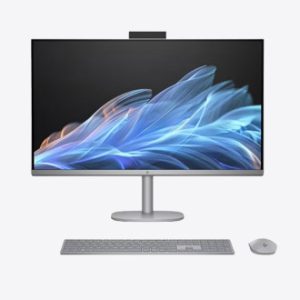
Compare desktop computers by processor, memory, storage, form factor, ports and upgrade options. Confirm whether a monitor, keyboard, mouse or operating system is included.
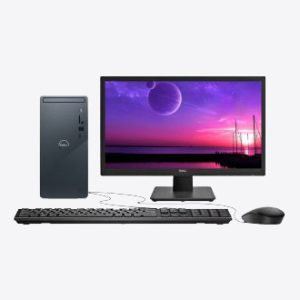
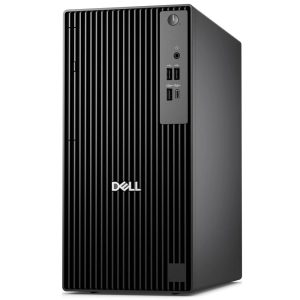
Tower desktops can offer more upgrade flexibility, while small-form-factor systems save desk space. Match the processor, RAM and storage to the applications and number of simultaneous tasks you run.
Check display outputs, network connectivity, included accessories, operating system and warranty. A monitor is normally sold separately unless clearly included.
Usually not. Check the product title and included-items section before ordering. Before ordering, compare the complete processor, memory, storage, graphics, display, operating-system and warranty information shown for the exact configuration.
Choose a tower for expandability or a small-form-factor computer when saving space is more important. Before ordering, compare the complete processor, memory, storage, graphics, display, operating-system and warranty information shown for the exact configuration.
Compare the exact processor model and generation, not only labels such as Core i5, Core 5 or Ryzen 5. Core count, power class and generation can materially affect performance, battery life and price, so match the processor to the applications you actually use.
A 512GB SSD is a practical starting point for many work, study and everyday users, while large games, design files and video projects may require 1TB or more. Also check whether the storage can be upgraded and keep important files backed up separately.
Included items vary by model and bundle. Check the product title and specification for the operating system, charger, keyboard, mouse, bag, pen, warranty or promotional gifts instead of assuming that similarly named models include the same items.
Use the individual product page as the final source because price and availability can change as stock moves. The page should also show the stated warranty and current configuration; contact Winner Brands before ordering if any detail remains unclear.