No products in the cart.

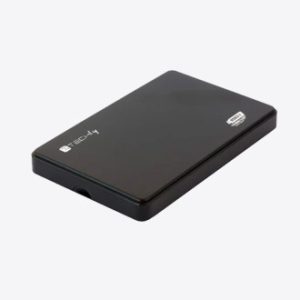
Compare storage devices by type, capacity, interface, performance, physical size and compatibility with your computer or other device.
An SSD can improve system and application responsiveness, while external storage can provide portable capacity or backup space. Match the interface and form factor to the device.
Consider usable capacity, speed, durability, encryption features, included cables and warranty. Keep important files in more than one location.
No. Confirm whether the laptop supports 2.5-inch SATA, M.2 SATA or M.2 NVMe and the correct physical size. Before ordering, confirm the connection type, supported devices, dimensions, included items and warranty shown for the exact accessory.
It can be part of a backup plan, but important files should have more than one independent copy. Before ordering, confirm the connection type, supported devices, dimensions, included items and warranty shown for the exact accessory.
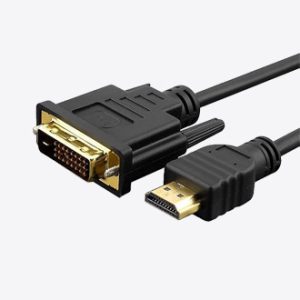
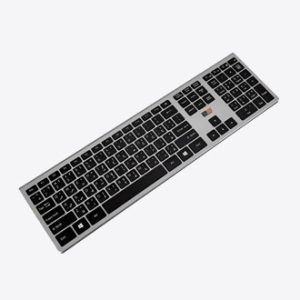
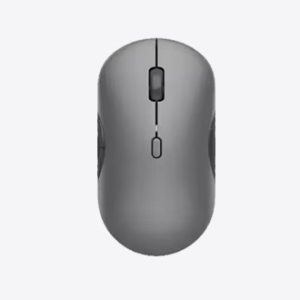
Check the required connector, supported operating systems or platforms, physical dimensions and power requirements. For wireless products, confirm whether they use Bluetooth, a USB receiver or a proprietary connection and whether that receiver is included.
Wired accessories avoid charging and can offer consistent low latency. Bluetooth saves a USB port and works with many mobile devices, while a dedicated wireless receiver may provide stronger performance or broader gaming compatibility; the best choice depends on the devices you use.
Review whether cables, receivers, adapters, batteries, replacement parts or carrying cases are included. Products with similar names can have different regional bundles, so rely on the exact product page rather than promotional images alone.
Check the stated warranty for the exact product and consider materials, switch or button ratings, cable design, battery serviceability and intended workload where those details are published. Select an accessory designed for the frequency and environment in which it will be used.