No products in the cart.

Canon Printers in Egypt
Compare Canon printers currently available from Winner Brands. Review print technology, functions, speed, connectivity, running costs, warranty and current prices. Each product page displays the current price, stock status, exact specification and warranty information.
Sale!
In stock
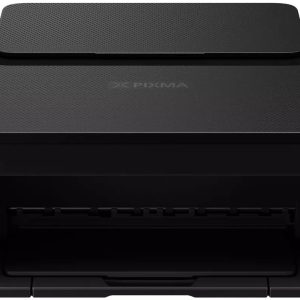
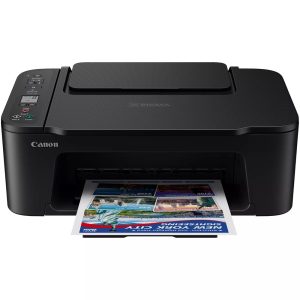
Canon Pixma TS3640
Original price was: 3,759.06 EGP.2,699.00 EGPCurrent price is: 2,699.00 EGP.Sale!
Only 1 left in stock
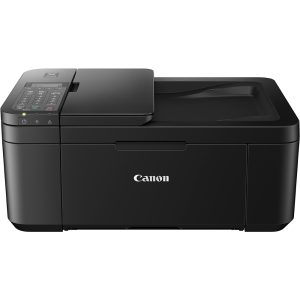
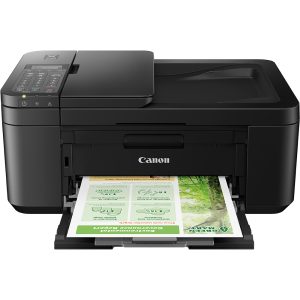
Canon PIXMA TR4645
Original price was: 4,999.00 EGP.4,499.00 EGPCurrent price is: 4,499.00 EGP.Sale!
In stock

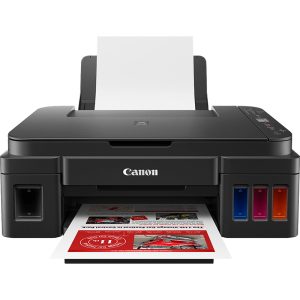
Canon PIXMA All-in-One Wireless Printer- G3410
Original price was: 6,666.00 EGP.5,999.00 EGPCurrent price is: 5,999.00 EGP.Sale!
Out of stock

Canon Pixma Multifunction Printer – MG2541S
Original price was: 2,222.00 EGP.1,799.00 EGPCurrent price is: 1,799.00 EGP.How to choose a Canon printer
Start with the intended use, required features and compatibility. Compare the complete specification rather than the model family or brand alone, because configurations and included items can differ.
Product availability and prices can change. Use the current product page to confirm the exact specification, stock status, warranty and included accessories before ordering.
Explore more printers
Browse all printers in Egypt to compare other available brands and models.
Frequently asked questions about Canon printers
Are all Canon models on this page currently available?
This page is limited to published Canon products in the selected category, but stock can change as orders are placed or new inventory arrives. Open the individual product page to confirm the current stock status and price before ordering.
How should I compare similar Canon models?
Use the complete model code and compare the exact specification, intended use, compatibility, included items and warranty. Products in the same family can have different components or features, so the family name alone is not enough to make an accurate comparison.
How can I confirm the warranty and items included in the box?
Review the warranty and included-items information on the exact product page. Do not assume that accessories, cables, software, ink, bags or promotional gifts shown with another configuration are included unless they are stated for the listing you intend to buy.
Should I choose an ink tank, inkjet or laser printer?
Ink tank models can suit frequent colour printing, traditional inkjet models can fit lighter home use, and laser printers are often selected for fast document output. Compare expected monthly volume, colour requirements, print speed and the ongoing cost and availability of the exact compatible consumables.
Do all printers scan, copy, fax and print on both sides?
No. Printing, scanning, copying, fax, automatic duplex and an automatic document feeder are separate features. Check each required function on the exact model, along with paper sizes, tray capacity and whether automatic or manual intervention is needed.
Which printer connections should I check?
Confirm whether you need USB, Wi-Fi, Wi-Fi Direct, Ethernet or mobile printing and whether the model supports your computers and phones. For a shared office printer, also examine network support, user workflow and the location of the printer before choosing.