No products in the cart.


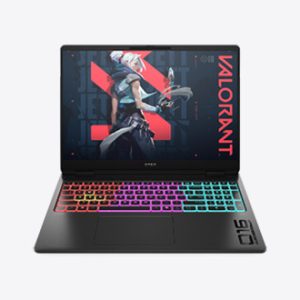
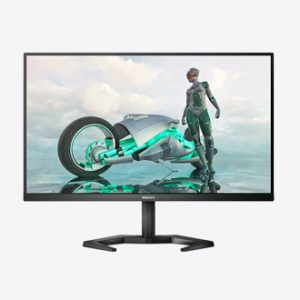
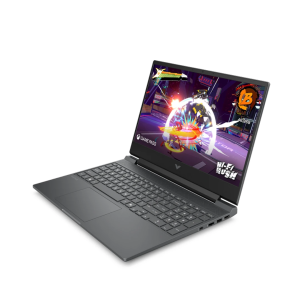
Explore gaming laptops, high-refresh-rate monitors, headsets, keyboards, mice and other accessories. Match performance and compatibility across the complete setup.


Start with the gaming laptop or PC and monitor, then choose accessories that match the available ports, preferred games and available desk space.
Compare GPU performance, display refresh rate, headset compatibility, keyboard layout, mouse ergonomics and warranty rather than choosing by appearance alone.
The answer depends on the current setup, but graphics performance, memory and display capability are common priorities. Before ordering, compare the complete performance, platform compatibility, connections, included items and warranty for the exact model.
No. Confirm supported platforms, connection type and software requirements. Before ordering, compare the complete performance, platform compatibility, connections, included items and warranty for the exact model.
Start with the system performance and target games, then choose a monitor whose resolution and refresh rate match the graphics capability. Select the headset, keyboard and mouse according to platform support, available ports, comfort and the type of games you play.
Not automatically. Audio, keyboard, mouse, software and wireless support can differ between Windows, PlayStation, Xbox and mobile devices, so check the official compatibility list and connection type for the exact model.
Not by themselves. Performance depends on the complete system, cooling, game settings, display and peripherals, while comfort and reliability matter during long sessions. Choose a balanced setup for your target games and budget.
Confirm the exact model, configuration, supported platforms, included cables or wireless receiver, warranty, current price and stock status. For laptops and monitors, also verify the display specification and available ports.